Getting Started
Your site needs backlinks to be more visible on the web.
Your time is limited.
Trade Backlinks finds backlink opportunities for you, and automates the process of contacting them.
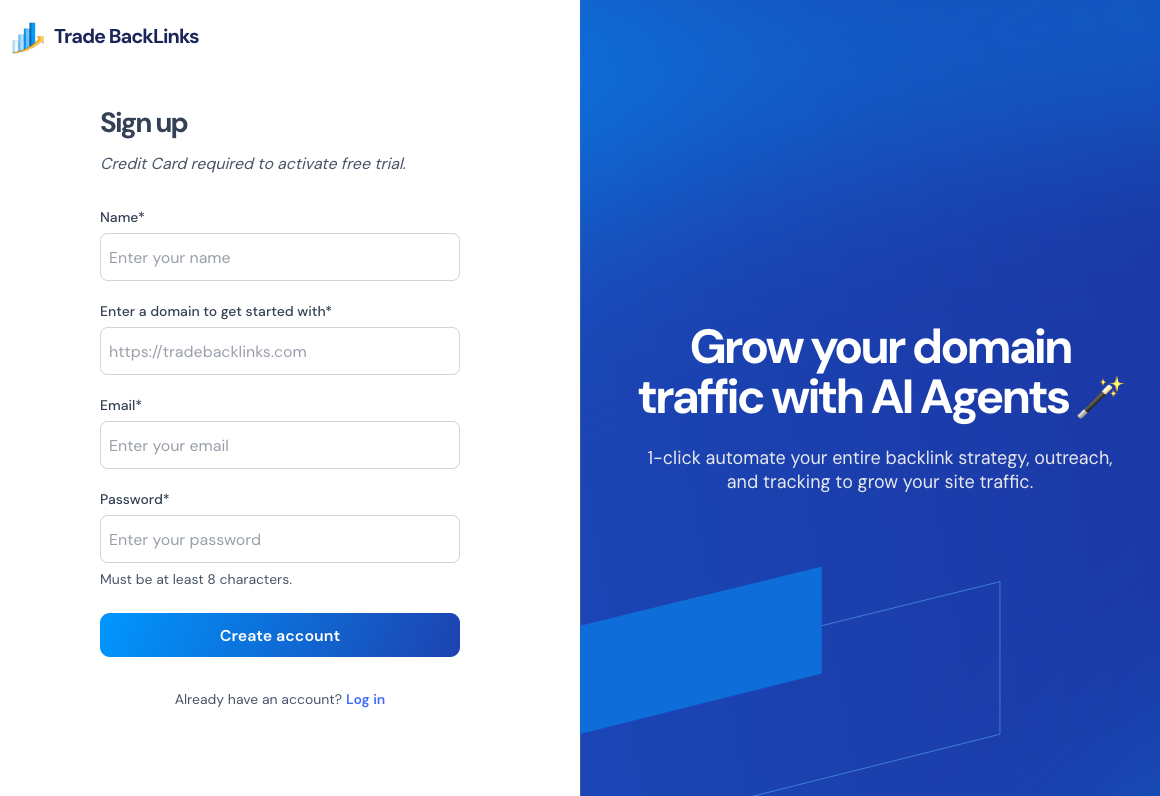
1. Sign up
- Sign up for a tradebacklinks.com account and get a free 7 day trial.
- Enter your name and domain to get started.
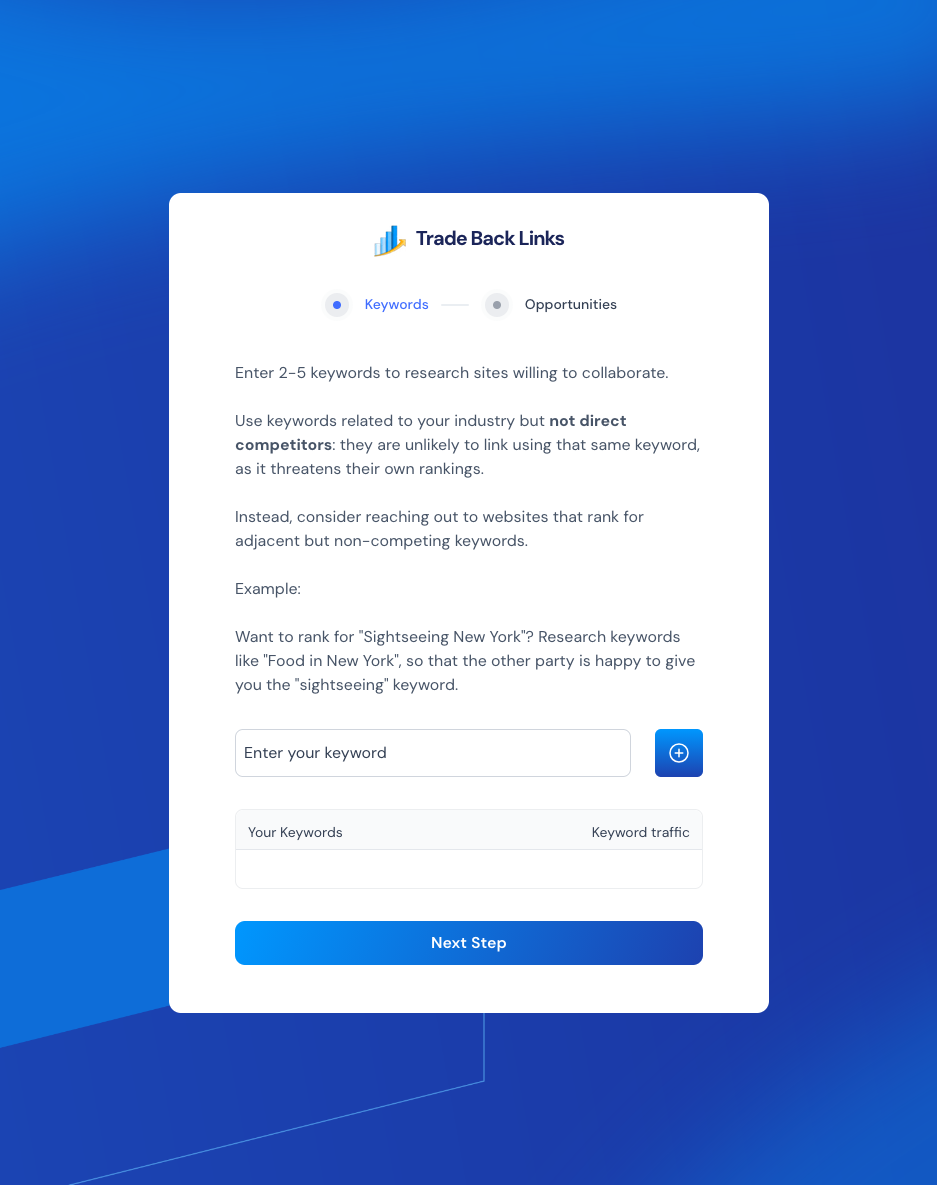
2. Seed keywords and competitors
- Enter the keywords you want to rank for (e.g.,
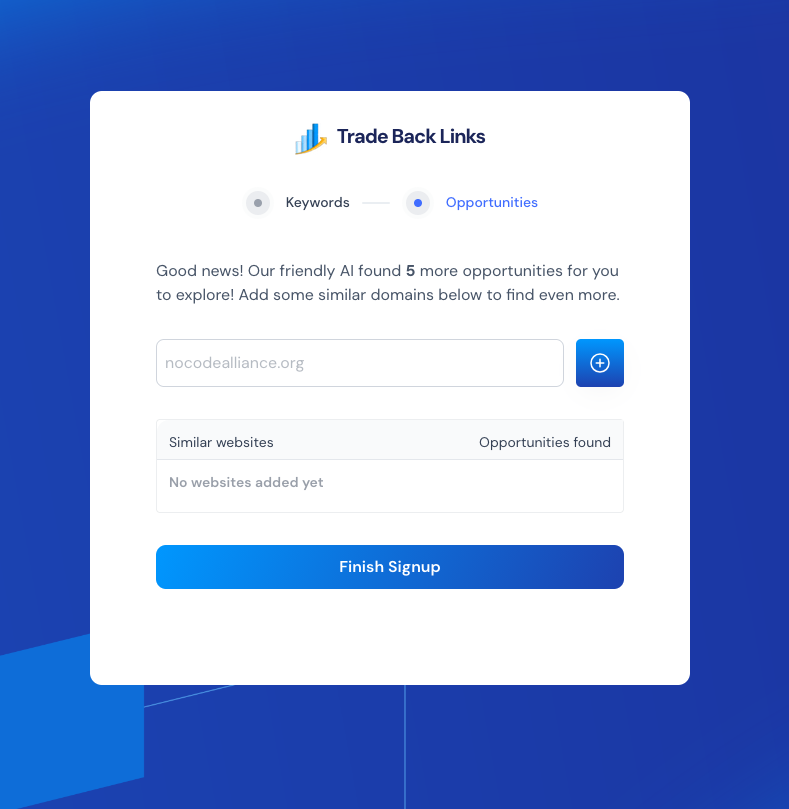
no code developers). - Add 2–3 similar but not closely competing domains. TradeBacklinks uses this to source matching opportunities.
- Wait a few minutes while opportunities are fetched in the background.
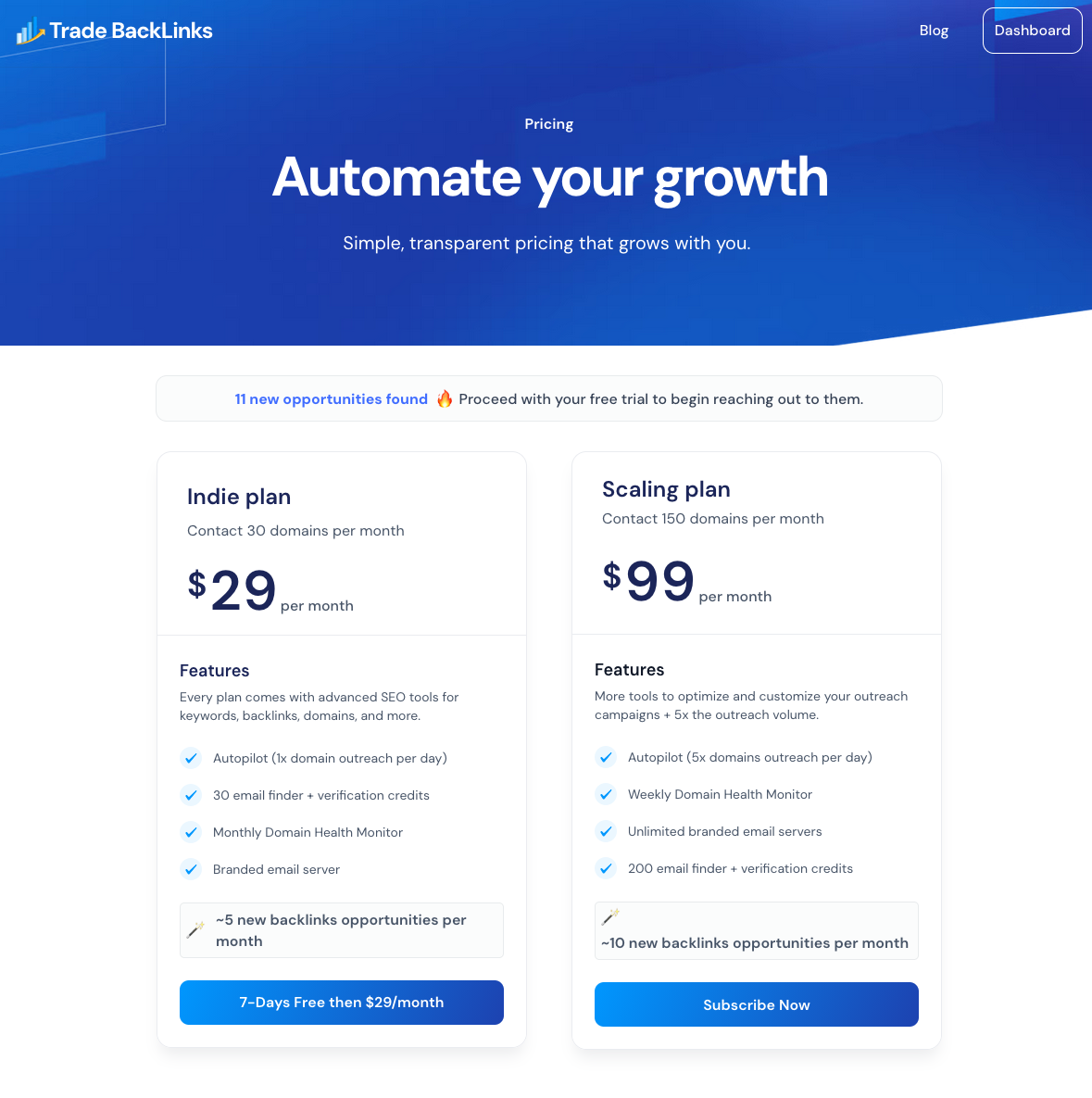
3. Choose a plan
| Feature | Indie | Premium |
|---|---|---|
| Autopilot outreach ( domain/day) | 1 | 5 |
| Domain health monitor (frequency) | Monthly | Weekly |
| Email Server | Branded | Unlimited |
| Email finder and verification credits | 50 | 200 |
If no plan is chosen, you can skip to the dashboard for a 7 day free trial.
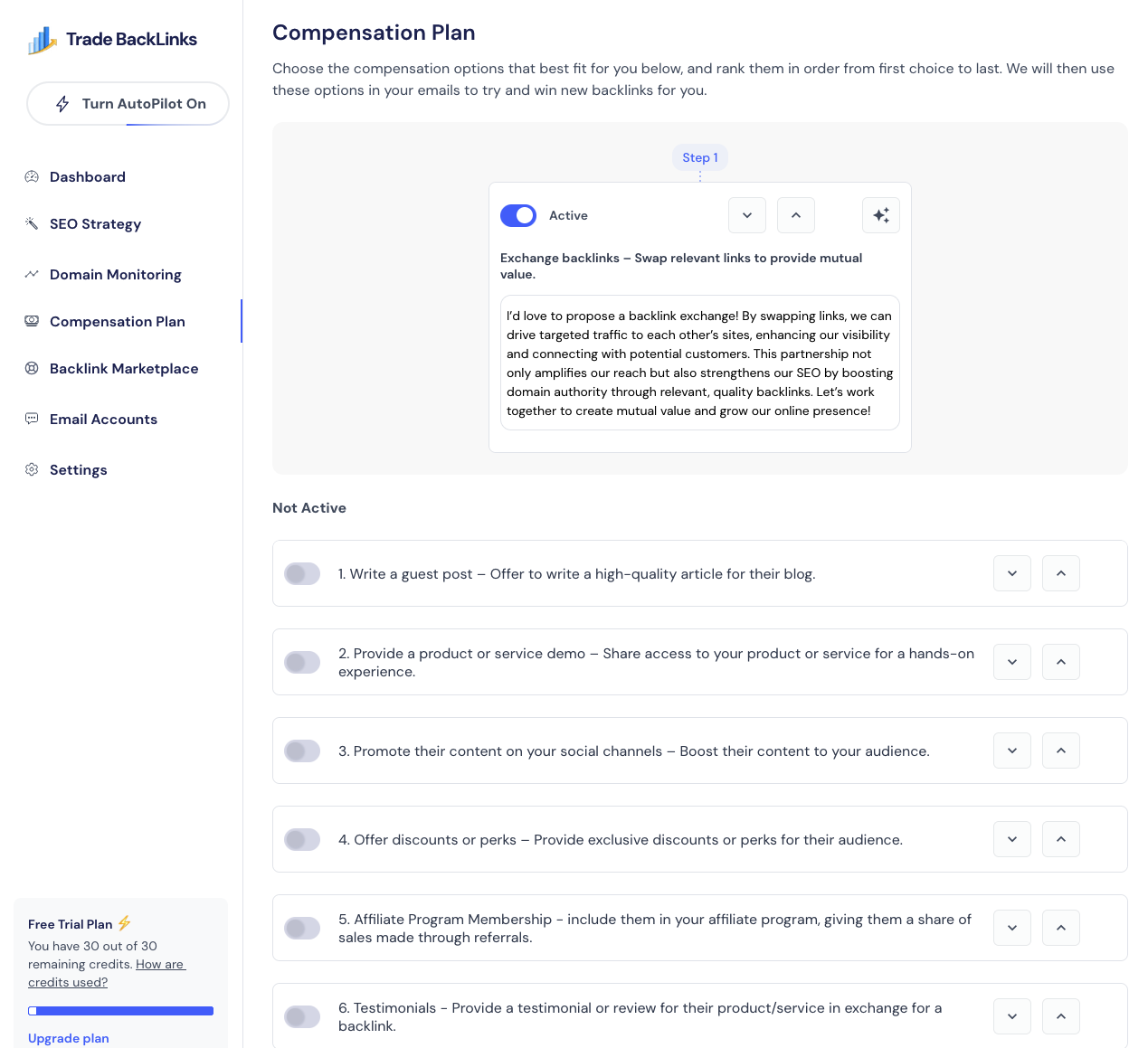
4. Configure compensation settings
- Open Compensation Plan.
- Toggle on the offers you’re comfortable with (swaps, guest posts, product demos, etc.).
- Reorder them so Autopilot leads with your preferred incentive.
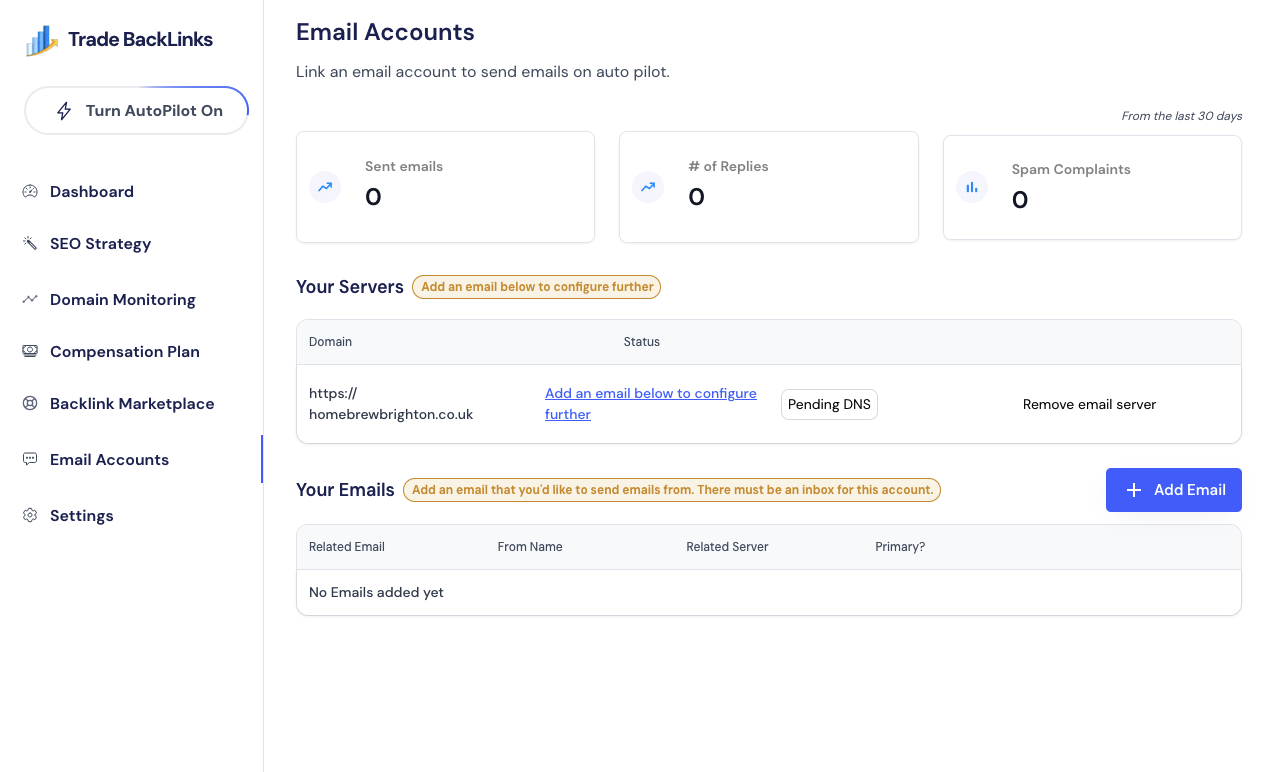
5. Connect your sending domain
- Head to Email Accounts and follow the DNS instructions.
- Add at least one email address per domain once DNS verifies.
6. Check your keywords
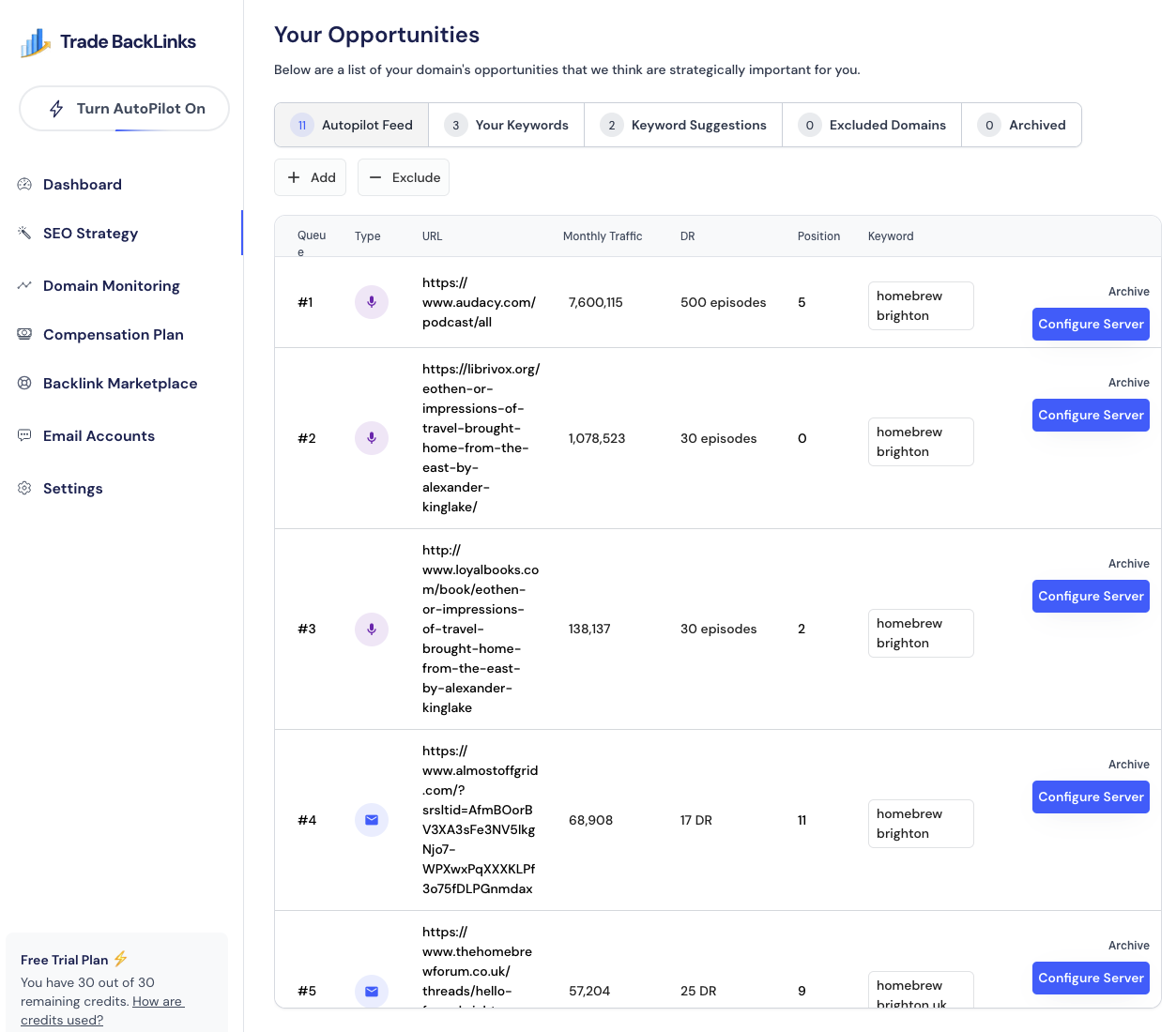
The autopilot feed is your list of next domains to contact.
- Head to SEO strategy
- Review the list of domains in the autopilot feed.
- Archive any that aren't relevant.
- If you know any specific domains that should be excluded, add them using the Exclude button.
- Add Keywords directly, or go through the list of Keyword Suggestions to add more to your Keywords.
7. Turn Autopilot On
At this point, we've:
- [x] Configured our domain
- [x] Set up our compensation plan
- [x] Are happy with our Autopilot Feed list
You're now ready to Turn Autopilot on!
The system will queue daily outreach based on scoring and your compensation rules.
Next: review each dashboard module for more context.